
Saillong Walking Pad Remote Replacement Compatible with Model AD-4000 Plus, DK-38AB-2, UT-38AB IY, Treadmill Remote for Home Small Under Desk Treadmill
Walking Pad Remote
How to Start
Remember to reset the power switch located on the front of the treadmill first, and then Press the “Start/Stop” button on the remote controller to start the walking pad, and the LED monitor will display “3-2-1”, with the buzzer sounding once for every count down. After this, the motor will start running.
WARM NOTE: NO DOWNLOADS OR PAIRING NEEDED. IF NOT COMPATIBLE, IT COULD NOT WORK IN THIS WAY, PLEASE RETURN IT
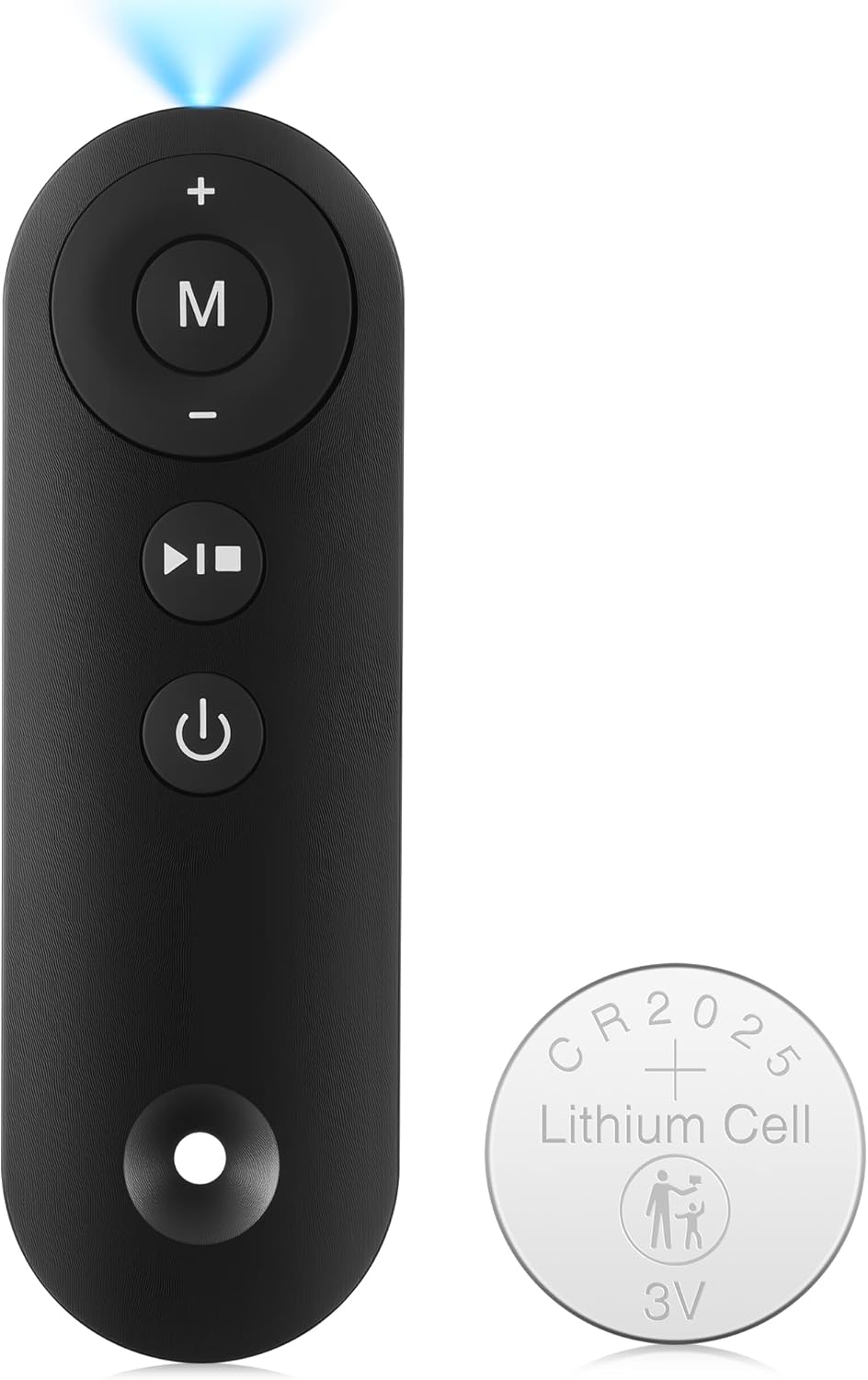
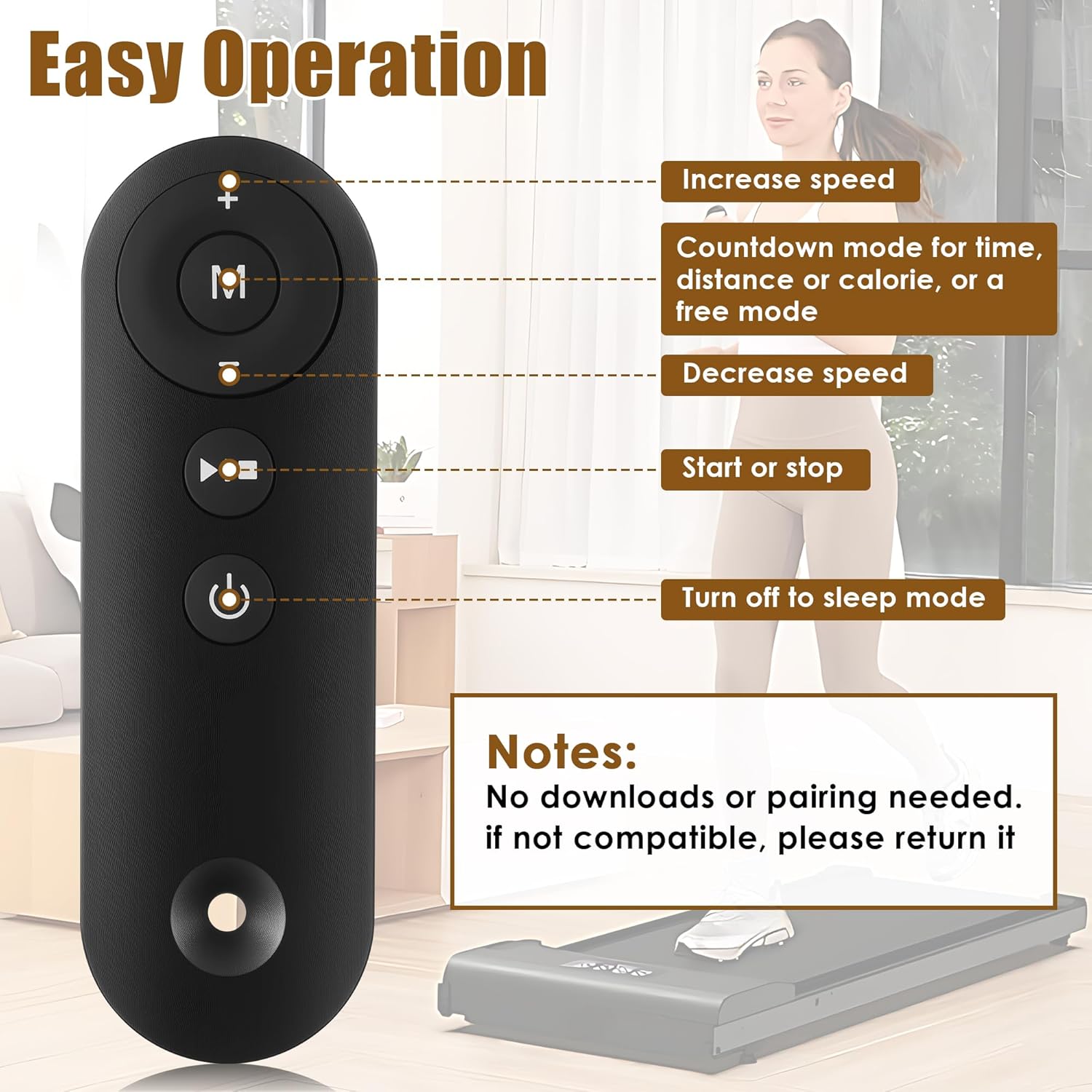
Description of Remote Control Buttons
1. Power button: turn off the walking pad when it is running. When the walking pad is in standby mode, pressing this button will turn off the display and enter sleep mode.
2. Start/Stop button: start or stop the walking pad. When the power is turned on, pressing this button in the stop state will start the walking pad. Pressing the button when the walking pad is running will stop the walking pad.
3. Mode button: select the countdown mode for time, distance or calorie, as well as a free mode. Pressing this button will cycle through the options of “30: 00” (time countdown mode), “1.0” (distance countdown mode), “50.0” (calorie countdown mode), and “0.0” (free mode).
4. Speed + button: increase the speed of the walking pad after it is started. After a single press, the speed will be adjusted by 0.1MPH. When the button is pressed continuously for more than 1 second, the speed will continue to increase.
5. Speed – button: decrease the speed of the walking pad after it is started. After a single press, the speed will be adjusted by 0.1MPH. When the button is pressed continuously for more than 1 second, the speed will continue to decrease.
The battery life is related to the frequency and length of use of the product. If the frequency of use is high, and one-time use long, the battery life will be relatively short.
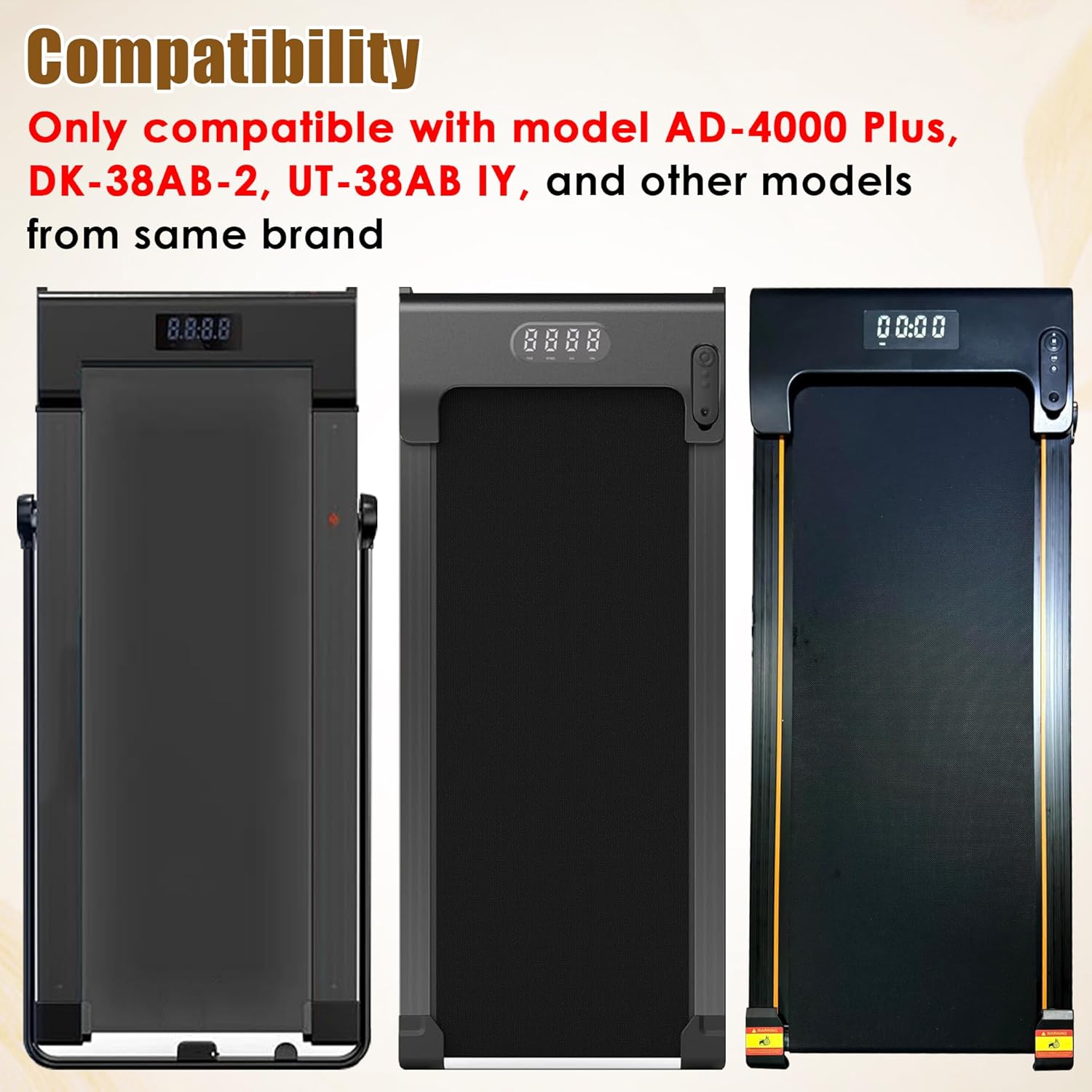
Compatibility: Only compatible with model AD-4000 Plus, DK-38AB-2, UT-38AB IY, and other models from this brand
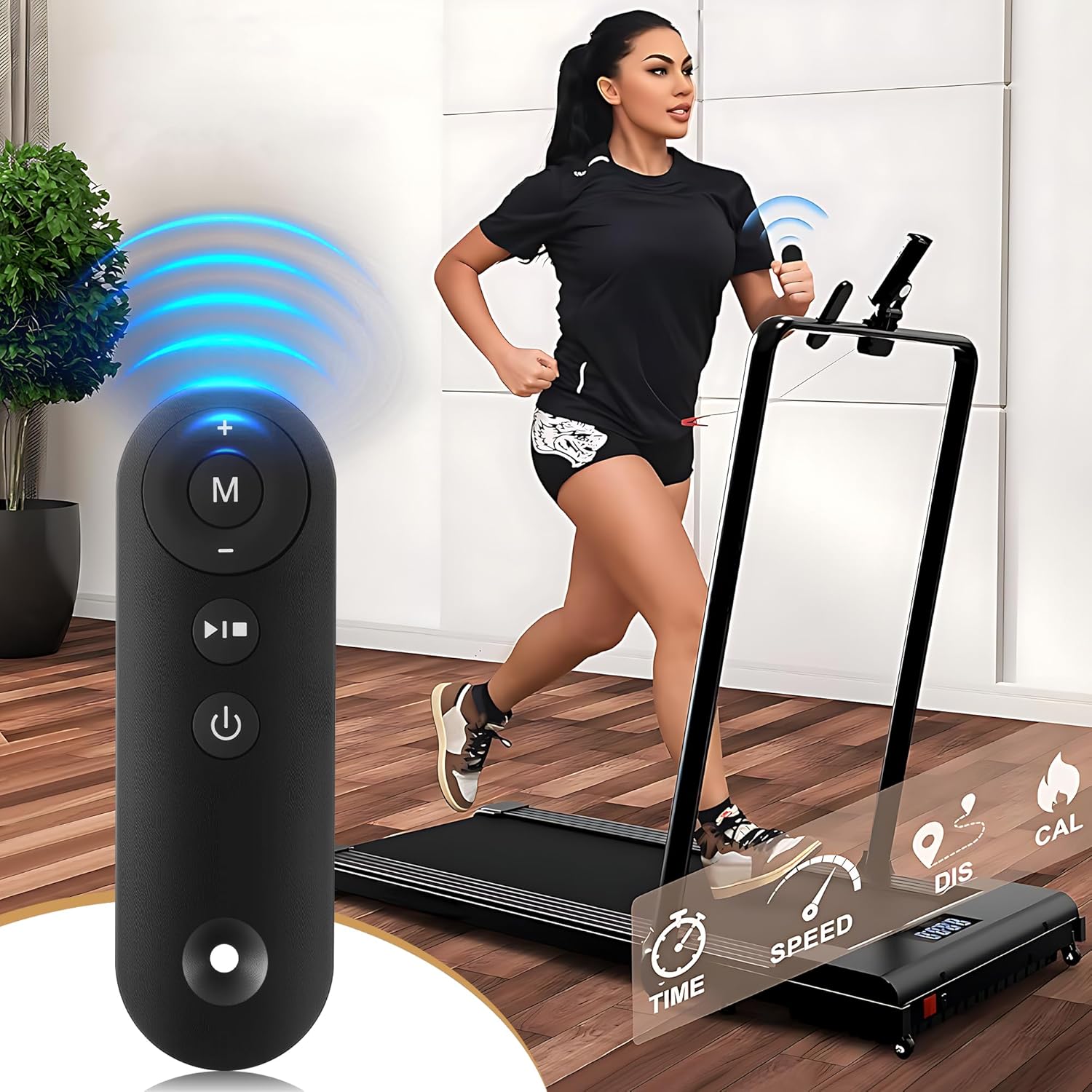
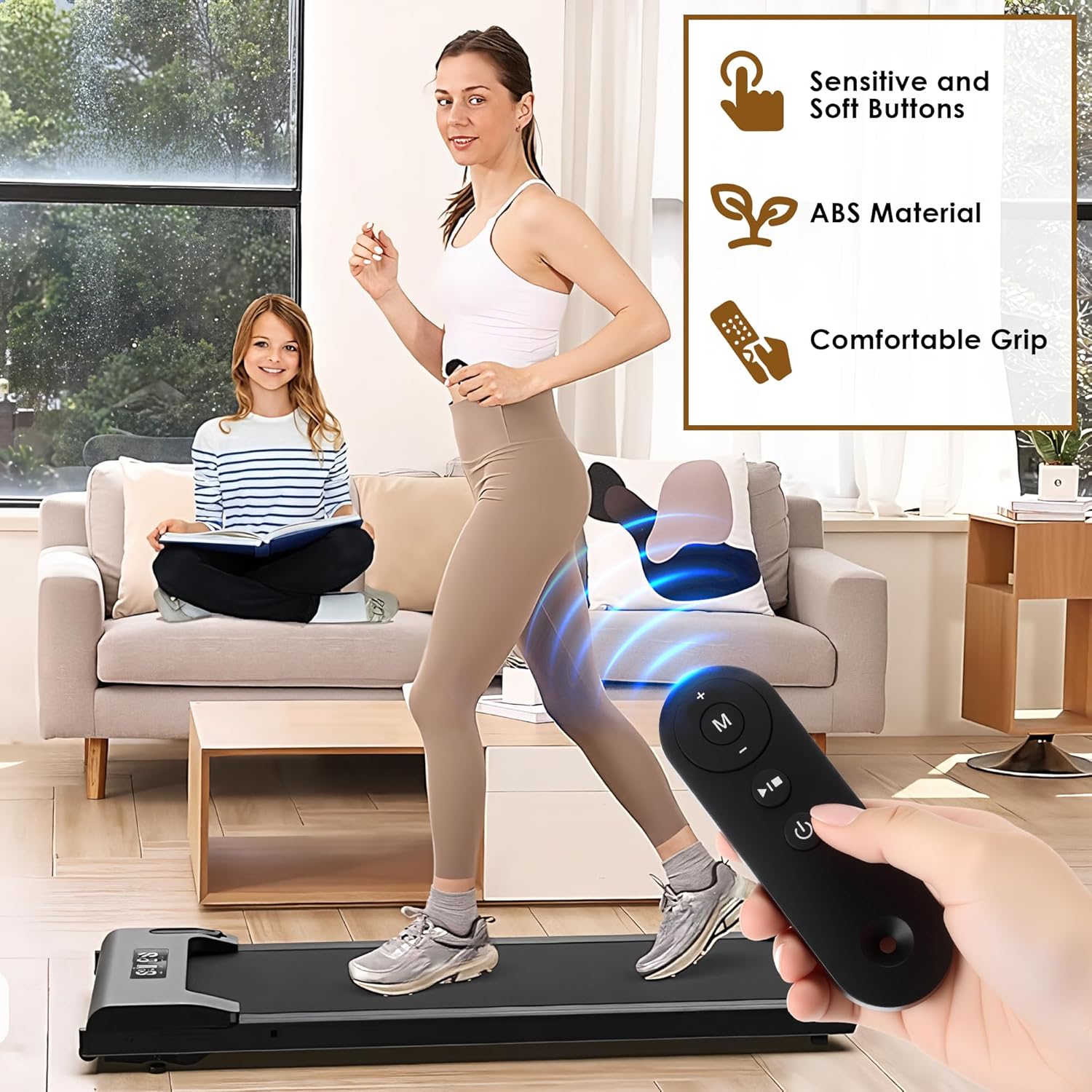
Walking Pad Remote: This treadmill remote control replacement featuring a user friendly control panel allows for easy operation of the treadmill, including starting, stopping, mode and adjusting speed, leaving you no worries about losing original remote
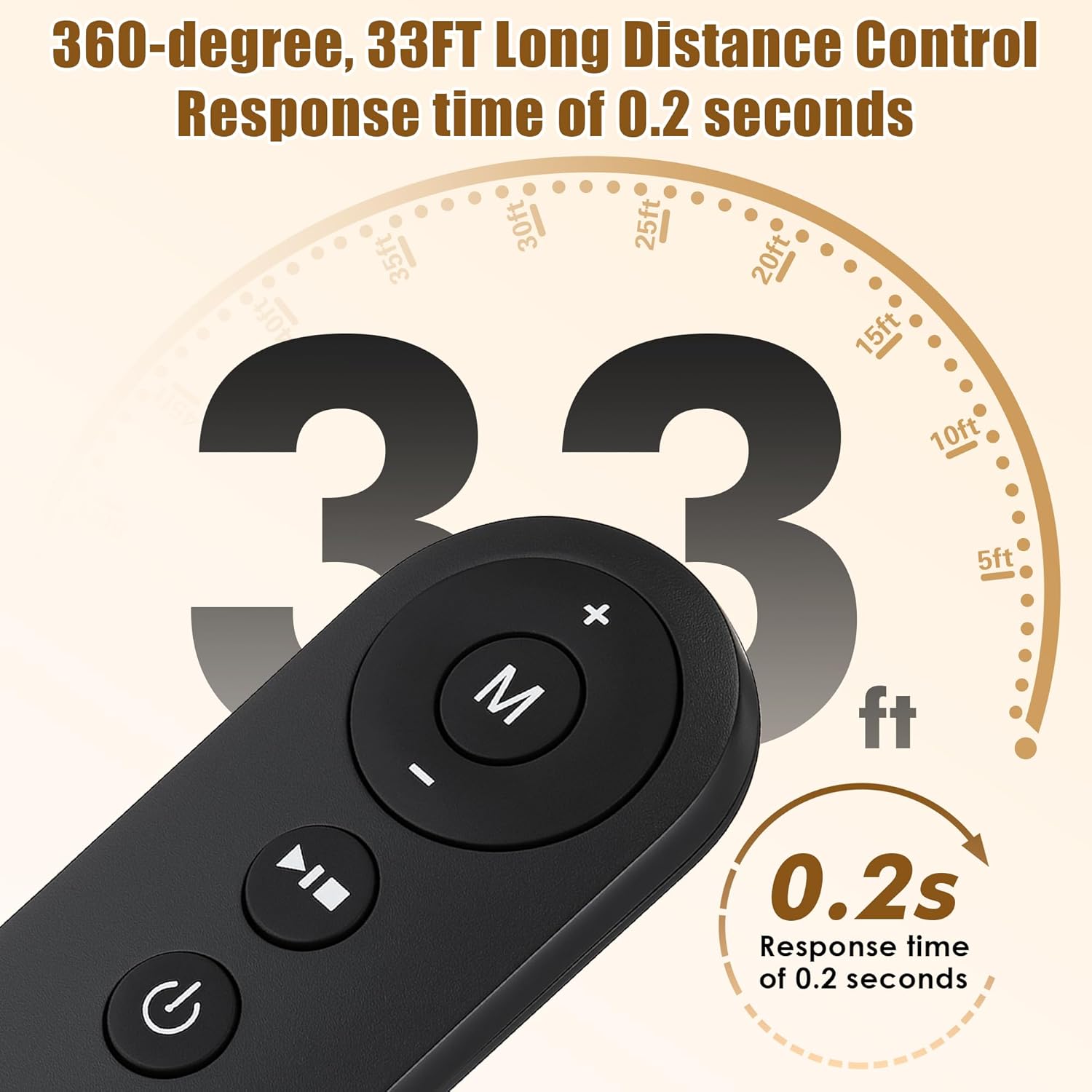
Precise Control: You can use the walking pad treadmill remote at a distance of 33 ft in 360-degree, allowing for seamless control of the treadmill, making operation be convenience
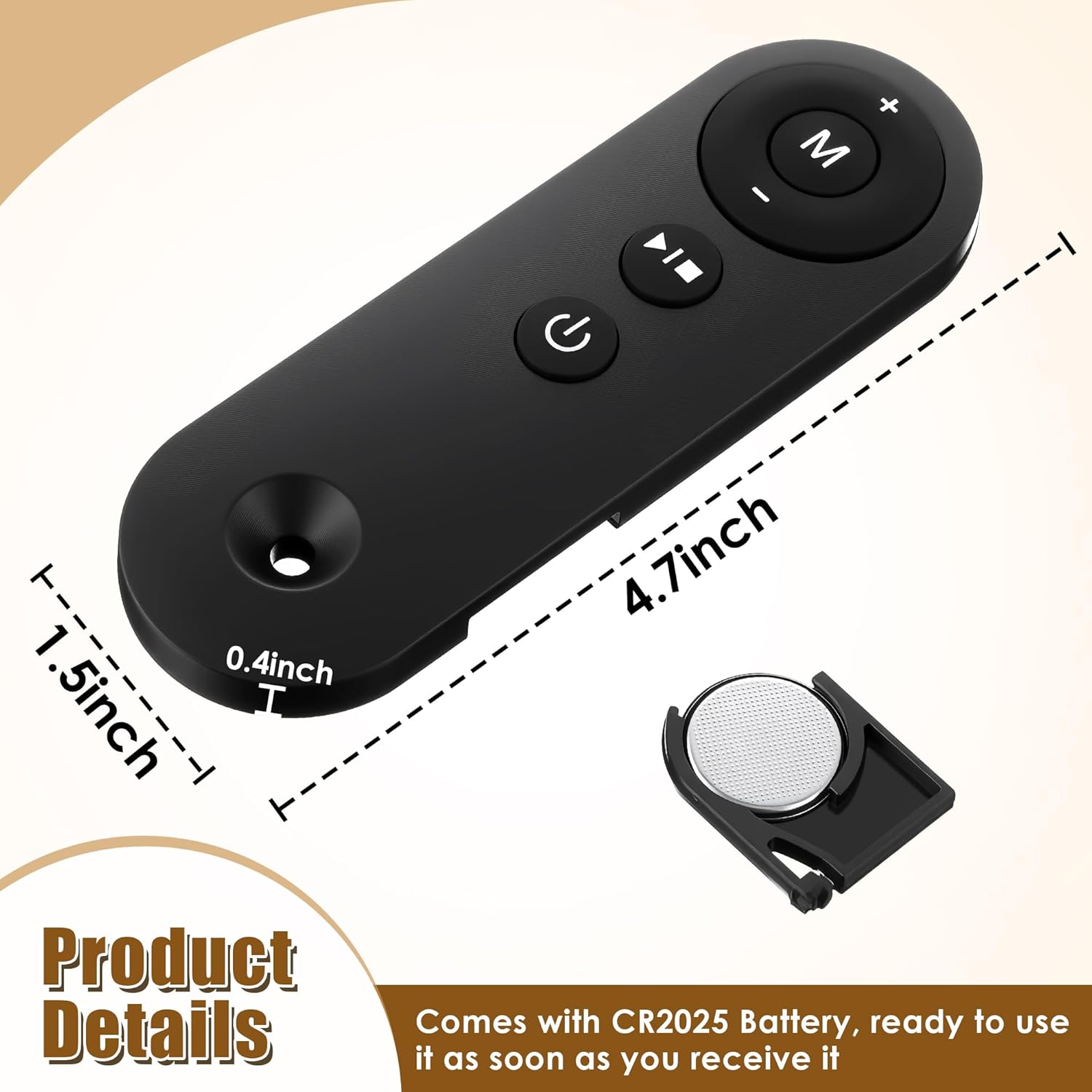
Lightweight and Long Lasting: Made of ABS material, weight: 0.06lb, the button can be pressed over 100, 000 times
Battery Included: Treadmill remote replacement comes with CR2025 Battery, ready to use it as soon as you receive it. Besides, there is also a bright blue indicator to help you Identify whether the battery is worked
How to Start: Remember to reset the power switch located on the front of the treadmill first, and then Press the “Start/Stop” button on the remote controller to start the walking pad, and the LED monitor will display “3-2-1”, with the buzzer sounding once for every count down. After this, the motor will start running. WARM NOTE: NO DOWNLOADS OR PAIRING NEEDED. IF NOT COMPATIBLE, IT COULD NOT WORK IN THIS WAY, PLEASE RETURN IT
Original price was: $19.99.$18.99Current price is: $18.99.
Price: $19.99 - $18.99
(as of Sep 30, 2025 09:26:31 UTC – Details)
Walking Pad Remote
How to Start
Remember to reset the power switch located on the front of the treadmill first, and then Press the “Start/Stop” button on the remote controller to start the walking pad, and the LED monitor will display “3-2-1”, with the buzzer sounding once for every count down. After this, the motor will start running.
WARM NOTE: NO DOWNLOADS OR PAIRING NEEDED. IF NOT COMPATIBLE, IT COULD NOT WORK IN THIS WAY, PLEASE RETURN IT
Description of Remote Control Buttons
1. Power button: turn off the walking pad when it is running. When the walking pad is in standby mode, pressing this button will turn off the display and enter sleep mode.
2. Start/Stop button: start or stop the walking pad. When the power is turned on, pressing this button in the stop state will start the walking pad. Pressing the button when the walking pad is running will stop the walking pad.
3. Mode button: select the countdown mode for time, distance or calorie, as well as a free mode. Pressing this button will cycle through the options of “30: 00” (time countdown mode), “1.0” (distance countdown mode), “50.0” (calorie countdown mode), and “0.0” (free mode).
4. Speed + button: increase the speed of the walking pad after it is started. After a single press, the speed will be adjusted by 0.1MPH. When the button is pressed continuously for more than 1 second, the speed will continue to increase.
5. Speed – button: decrease the speed of the walking pad after it is started. After a single press, the speed will be adjusted by 0.1MPH. When the button is pressed continuously for more than 1 second, the speed will continue to decrease.
The battery life is related to the frequency and length of use of the product. If the frequency of use is high, and one-time use long, the battery life will be relatively short.
Compatibility: Only compatible with model AD-4000 Plus, DK-38AB-2, UT-38AB IY, and other models from this brand
Walking Pad Remote: This treadmill remote control replacement featuring a user friendly control panel allows for easy operation of the treadmill, including starting, stopping, mode and adjusting speed, leaving you no worries about losing original remote
Precise Control: You can use the walking pad treadmill remote at a distance of 33 ft in 360-degree, allowing for seamless control of the treadmill, making operation be convenience
Lightweight and Long Lasting: Made of ABS material, weight: 0.06lb, the button can be pressed over 100, 000 times
Battery Included: Treadmill remote replacement comes with CR2025 Battery, ready to use it as soon as you receive it. Besides, there is also a bright blue indicator to help you Identify whether the battery is worked
How to Start: Remember to reset the power switch located on the front of the treadmill first, and then Press the “Start/Stop” button on the remote controller to start the walking pad, and the LED monitor will display “3-2-1”, with the buzzer sounding once for every count down. After this, the motor will start running. WARM NOTE: NO DOWNLOADS OR PAIRING NEEDED. IF NOT COMPATIBLE, IT COULD NOT WORK IN THIS WAY, PLEASE RETURN IT
Customers say
Customers report that the remote control works well. However, multiple customers mention compatibility issues, noting that it does not work with their treadmills.
Specification: Saillong Walking Pad Remote Replacement Compatible with Model AD-4000 Plus, DK-38AB-2, UT-38AB IY, Treadmill Remote for Home Small Under Desk Treadmill
|
User Reviews
Be the first to review “Saillong Walking Pad Remote Replacement Compatible with Model AD-4000 Plus, DK-38AB-2, UT-38AB IY, Treadmill Remote for Home Small Under Desk Treadmill”
Related Products
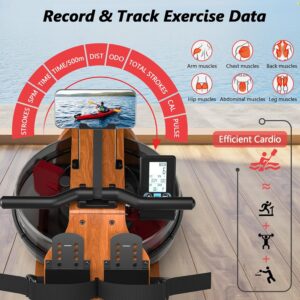
Water Rowing Machine for Home Use, WENOKER Wooden Foldable Rower Machine with Adjustable Monitor & Bluetooth APP, Large Water Tank & Comfortable Seat for Immersive Water Rower, 350LBS Weight Capacity
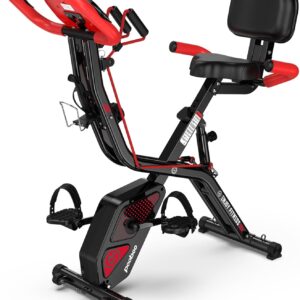
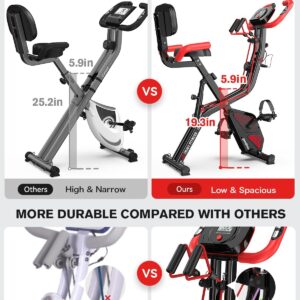
pooboo Folding Exercise Bike, Foldable Upright Stationary Bike, Indoor Cycling Magnetic X-Bike with 8-Level Adjustable Resistance, 6.6 LBS Flywheel, 300LB Capacity, Bottle Holder & Back Support Cushion for Home Gym
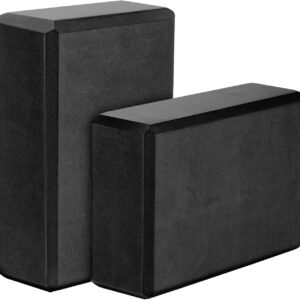
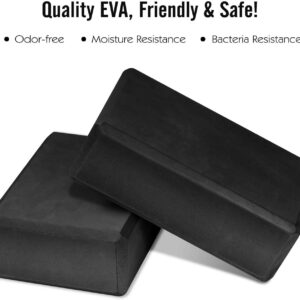
Gaiam Yoga Block – Supportive Latex-Free Eva Foam – Soft Non-Slip Surface with Beveled Edges for Yoga, Pilates, Meditation – Yoga Accessories for Stability, Balance, Deepen Stretches
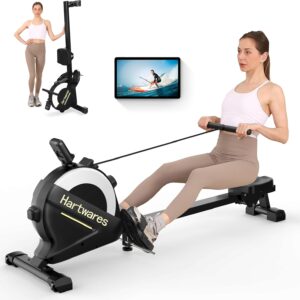
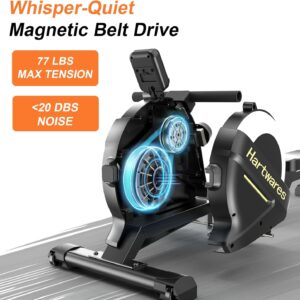
Rowing Machines for Home,Hartwares Magnetic Rowing Machine with 77lbs High Resistance Rowing Machine,16 Levels of Quiet Resistance,Rower Machine for Home Row Machine,App Compatible,LCD Monitor

Original price was: $19.99.$18.99Current price is: $18.99.

There are no reviews yet.